Motion graphics are animated text, shapes, charts, icons and images, usually set to music or a voiceover. They are not filmed footage. A product launch video, an animated chart in a board deck and a 30-second explainer on how a feature works are all motion graphics.
Making them used to mean hiring a motion designer or learning After Effects. That is changing, because Claude can now write an animation as code: every word, number and timing is something it can edit. There are two practical ways to do this. Claude Motion is built into Claude for Team and Enterprise plans. The other route is to use Claude Code with Remotion, a framework for making videos in code, and earshot, an open-source tool that lets an agent listen to sound and sync it to picture.
What motion graphics are for
Most motion graphics either sell something or explain something. In advertising, they are launch films, social ads and product demos that show the main idea in a few seconds, without a film crew. In education, they are onboarding walkthroughs, training modules and animated charts, where a number that counts up or a line that draws itself is easier to follow than a static slide.
Because both approaches here produce code rather than generated video, the result is easy to update. When a figure changes, you edit it and render again.
The parts every motion graphic needs
Whichever tool you use, the same parts decide whether the result looks professional. Claude can handle most of them, but only if you tell it what you want.
- A message. One idea per video. Decide who it is for, where it will play and what the viewer should do or understand at the end.
- A script and storyboard. The words on screen or in the voiceover, split into scenes with rough timings. A 30-second video usually has four to eight scenes.
- A visual system. Your fonts, colours, logo and any images or data. Giving Claude these up front is the difference between a generic animation and one that looks like your brand.
- Motion and pacing. How things enter, move and leave. Easing, consistent timing and leaving text on screen long enough to read matter more than flashy effects.
- Sound. A music bed, sound effects on key moments and possibly a voiceover. Sound that lands on the beat or the cut makes an animation feel finished. Sound that is slightly off makes it feel cheap.
- Format. Length, aspect ratio (16:9, 1:1 or 9:16), captions for people watching muted, and the file type each platform needs.
Option 1: Claude Motion
Anthropic released Claude Motion in beta on October 8, alongside Claude Dashboards. It is available on Team and Enterprise plans: on by default for Team, and off for Enterprise until an owner turns it on in Organization settings > Artifacts. It is not available on Free, Pro or Max.
You describe the animation in a chat, choose Motion from the output menu, or start from a Motion template in the Artifacts tab. Anthropic suggests stating the audience, where the video will play and its approximate length, and attaching any reports, data or images you want used. Claude writes the animation as code, so you can ask it to change a single number or timing without affecting the rest, or adjust it directly in the editor. When it is done, you export an MP4 or open it in tools such as Adobe, Descript or Runway.
It doesn't use a video generation model, so it can't produce realistic footage or people. Anthropic's materials also don't mention audio, so plan to add music or a voiceover in an editor such as Descript. Animations count toward your plan's usage limits, and longer ones use more.
Claude Motion is the easiest way to start. There is nothing to install, and it suits people who want a clean explainer or animated chart from material they already have.
Option 2: Claude Code, Remotion and earshot
If you aren't on a Team or Enterprise plan, or you want more control, you can build the same kind of video yourself with Claude Code.
Remotion is a framework for making videos with React. Each frame is rendered from code, so Claude can lay out scenes, animate elements and render an MP4 the same way it builds a web page. Remotion publishes agent skills that teach Claude its conventions, with commands for creating a project, animation and timing, captions, map animations and rendering.
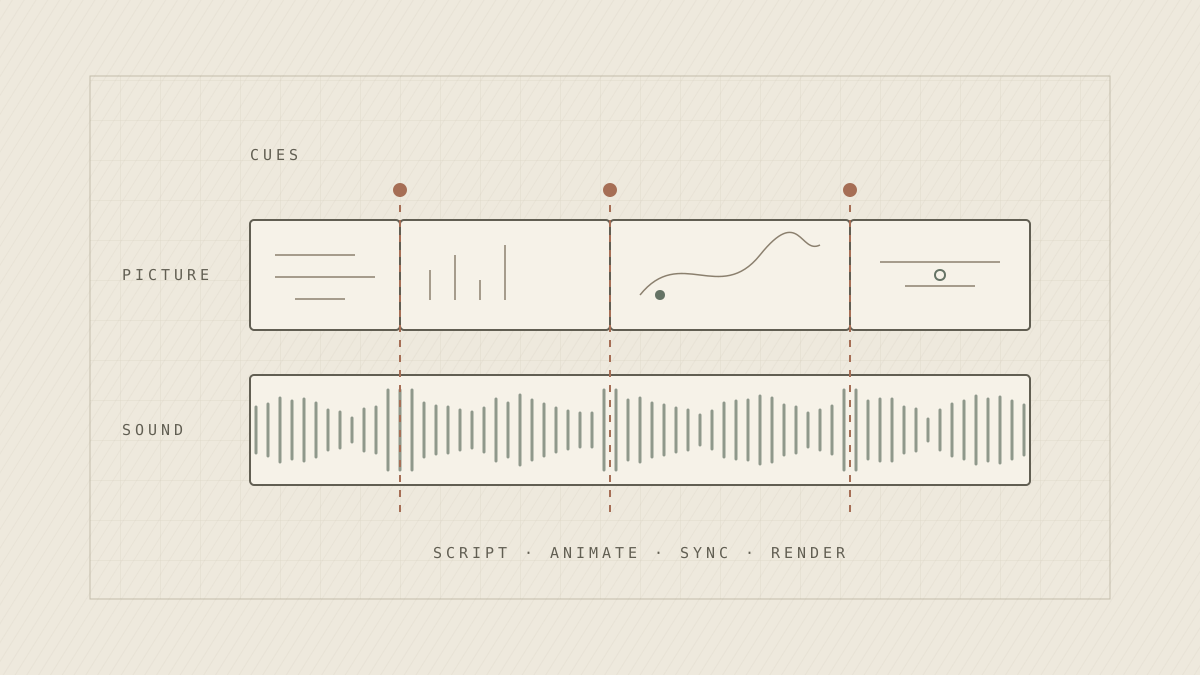
Claude can't hear, so on its own it can place a sound but can't tell whether it lands. earshot fills that gap. It is an MIT-licensed tool that runs locally as a command-line tool or an MCP server, and analyses audio so an agent can reason about it. Its timeline command lists the events, beats and loudness in a soundtrack and measures how far each sound is from the picture cut it should match. Its critique command scores a finished video against seven professional launch films and suggests fixes with timestamps. It also includes a bank of 252 sound effects generated in code, with presets for calm, energetic and music-led films.
A typical setup looks like this:
- Create a Remotion project with npx create-video@latest, and add the skills with npx skills add remotion-dev/skills.
- Install earshot following its README. It needs Python 3.10 or later and ffmpeg, and downloads about 1.1 GB of models the first time it runs. Register it with Claude Code as an MCP server.
- Write the brief. Give Claude the message, script, scene timings, brand assets and format, then ask it to build the composition. Preview it in Remotion Studio.
- Add sound. Ask Claude to build a sound kit with earshot, or bring licensed music, and place sounds on the key moments.
- Check the sync and render. Have Claude run earshot's timeline and critique on the render, fix anything early, late or too loud, and render the final MP4.
This takes more setup, but everything is under your control: the code, the timing, the sound and the render. You can reuse a project as a template for the next video, use any Claude plan, and keep the result in version control.
Check the licence before using it commercially. Remotion is free for individuals, non-profits and for-profit companies with up to three employees. Larger companies need a company licence.
Alternatives to Remotion
For companies too large for Remotion's free licence, the closest alternative is HyperFrames, which HeyGen open-sourced under the Apache 2.0 licence, with no commercial-use threshold. Videos are written as HTML and CSS instead of React, animated with tools such as GSAP, and rendered to MP4 with headless Chrome and FFmpeg. It is built for agents: its Claude Code plugin includes skills for the whole production process, about 450 ready-made blocks such as transitions, kinetic type, captions and charts, and a skill for adding music, sound effects and voiceover. It can also convert an existing Remotion project.
There are other MIT-licensed options. Motion Canvas and its fork Revideo are code-first animation frameworks, but neither ships agent skills. Manim, the engine behind 3Blue1Brown's videos, is a strong choice for maths and technical education.
Alternatives to earshot
earshot has fewer direct alternatives. beatlyzer is a much smaller MIT-licensed tool with a command-line interface and MCP server. It turns a music track into JSON and an annotated chart of beats, drops, volume surges, key and structure, which helps when planning cuts around a song. It doesn't check sound against picture or include sound effects. The other route is to have Claude write its own checks with librosa, the standard Python library for audio analysis, and FFmpeg for loudness. That gives full control, but you build the sync checks yourself.
| earshot | beatlyzer | librosa and FFmpeg | |
|---|---|---|---|
| What it is | Listening toolkit for agents | Music analysis tool | Libraries Claude scripts for you |
| Agent setup | MCP server and two skills | MCP server | None; Claude writes the code |
| Beats and structure | Yes | Yes, plus drops and key | Yes |
| Sync to picture cuts | Yes, measured per cut | No | Only if you build it |
| Sound effects | 252, generated in code | No | No |
| Launch-video critique | Yes | No | No |
| Licence | MIT | MIT | ISC and LGPL |
Which approach to use
| Claude Motion | Claude Code, Remotion and earshot | |
|---|---|---|
| Plans | Team and Enterprise | Any plan with Claude Code |
| Setup | None | Node project, skills, Python and ffmpeg |
| Sound | Add it in another editor | Built in, with sync checks |
| Editing | Chat or the Motion editor | Chat, Remotion Studio or the code |
| Licensing | Included in the plan | Remotion company licence above three employees; HyperFrames has no threshold |
| Best for | Quick explainers and animated charts | Launch films, reusable templates and sound-led videos |
Getting good results
Treat the first prompt as a brief, not a finished video. Be specific about the audience, length, scenes and format, and give Claude your real assets rather than asking it to invent them. Keep the first version short, perhaps 15 to 30 seconds, and get the pacing right before adding more scenes.
Watch every draft with the sound on. earshot can measure sync and loudness, but it can't judge taste, and Claude can't hear the result at all. The final check still needs a person.
Whichever approach you choose, you no longer need a motion designer for every explainer or launch video. The work that matters is the same as before: a clear message, a consistent visual system and sound that lands where it should.