Buying one AI plan for everyone is simple. It also means giving the same tool to a software engineer running coding agents, a designer creating visual concepts, and an employee who needs help with a spreadsheet a few times a month.
Those people will use AI differently, and they won't necessarily get the most value from the same provider. The purchasing options have also become more complicated. Alongside individual and company subscriptions, there are metered APIs, multi-provider gateways, and tools that work with several model ecosystems.
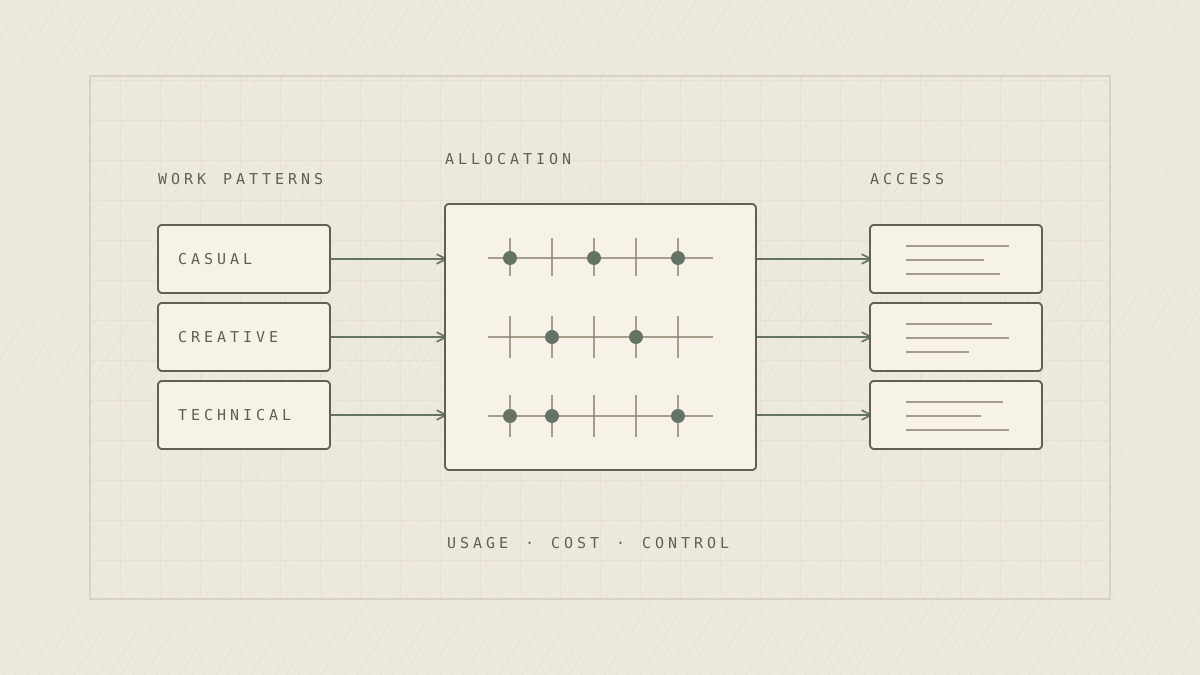
We think organizations should treat AI licensing as an ongoing allocation decision. The right mix depends on how people work, how heavily they use the tools, and what the company is comfortable managing.
Set the boundaries first
A smaller company may be willing to accept more experimentation and overlapping subscriptions. A larger company handling confidential client information may need tighter control over which accounts and providers employees use.
A collection of unmonitored personal AI accounts is especially difficult to manage when employees work with sensitive data.
There is also a cost difference between plan types. Claude Enterprise, for example, combines seat fees with usage billed at API rates. Its economics need to be evaluated differently from a fixed-price Team seat. Before comparing prices, establish what the organization needs in terms of account management, data handling, and usage visibility.
Controlled shared access
Low usage · High governanceApproved internal AI interface, managed APIs, and centralized controls.
Managed power users
High usage · High governanceEnterprise or Business Premium seats, approved APIs, and specialist tools.
Low-cost general access
Low usage · Lower governanceIncluded Copilot Chat, standard seats, or metered shared access.
Flexible specialist access
High usage · Lower governanceMixed premium subscriptions, multiple providers, and cross-model tooling.
$ indicates lower relative cost; $$$$$ indicates higher relative cost. Costs are illustrative per user, including typical administration. Actual costs depend on plan pricing, consumption, scale, and implementation overhead. A heavily used multi-provider setup can exceed a managed Enterprise seat.
Match the setup to the role
The most useful starting point is to look at how different employees actually use AI. The following combinations are examples, not a recommended purchase list for every company.
| Work pattern | Potential setup | Reason |
|---|---|---|
| Occasional questions and drafting | Included Copilot Chat or an internal API-backed chat tool | Paying for a premium seat is hard to justify at low usage |
| Microsoft-heavy operations | Microsoft 365 Copilot for selected staff | Work happens inside Outlook, Teams, Excel, and SharePoint |
| Regular consulting and analysis | ChatGPT Business Standard or Claude Team Standard | Managed access for everyday work |
| Intensive research or analytical work | Premium seats in one or both providers | More capacity for people who consistently use it |
| Creative and marketing work | Gemini and its creative tools, possibly alongside another assistant | Image, video, and multimodal work may favour a different provider |
| Software engineering | High-usage Claude and ChatGPT/Codex plans | Coding agents and model preferences vary by task |
| AI engineering and automation | Direct APIs, a router, and cross-model tools | More control over model choice and usage-based spending |
| Sensitive workflows | Approved Enterprise or controlled API environment | Account controls and data-handling requirements determine access |
Check existing entitlements before adding more. Copilot Chat is available with eligible Microsoft 365 subscriptions, although the paid Microsoft 365 Copilot add-on offers additional in-app capabilities. Similarly, Google Workspace includes different Gemini features depending on the edition.
It also makes sense to mix tiers within one provider. ChatGPT Business and Claude Team offer Standard and Premium seats. Someone using AI for a few hours a week may be fine on Standard, while an analyst or developer who repeatedly hits usage limits may warrant Premium. Upgrading those specific employees is easier to justify than upgrading an entire department.
A Team plan can cover the whole company, or just its power users
Seat limits also shape the decision. Claude Team supports 2 to 150 seats, while ChatGPT Business supports 2 to 200 paid seats in new workspaces. For a company within those limits, a managed plan could give everyone at least one approved assistant. That can simplify account management without requiring everyone to have the same provider or tier.
The same limits can also accommodate only the people who use AI most. A larger company with, say, 80 heavy users could place that group on a managed Team or Business plan and give occasional users another approved route. If the full workforce exceeds a plan's cap, the company must decide whether to limit seats to selected roles, use another plan, or move to Enterprise. The number of active users matters more than the total headcount alone.
Sometimes two expensive subscriptions make sense
Duplicate seats are worth investigating, but they aren't automatically wasteful. Developers in particular may benefit from having more than one coding environment available. One model might be a better fit for a repository-wide change, another for debugging, and another for quickly generating tests. Usage limits also matter when agents run for much of the day.
A developer using Claude Max 20x and ChatGPT Pro 200 would spend roughly $400 a month at the published individual subscription prices. At an illustrative loaded engineering cost of $100 an hour, the pair would need to save four productive hours each month to cover the subscription fees. That isn't evidence that the tools produce those savings; it's a straightforward way to test whether the expense is reasonable. Individual subscriptions also need to be permitted under company policy. Centrally managed plans or APIs may be more suitable in other environments.
Creative roles deserve the same consideration. A team working on images, storyboards, and video may get specific value from Gemini and Google's creative AI offerings. A person spending most of the day in Excel or Teams may see more value from Copilot than from a second general-purpose chatbot. These are good reasons to ask employees what they make with AI, rather than only counting the number of prompts they send.
Give casual users a cheaper way in
A full subscription is often unnecessary for someone who uses AI infrequently. Companies can provide a simple internal chat interface connected to approved models through an API. That gives employees somewhere to go without requiring a paid account with every provider.
The inference cost can be small for routine requests. Anthropic's October 7, 2026 pricing announcement lists Claude Haiku 5.5 at $0.10 per million input tokens and $0.50 per million output tokens for prompts up to 100,000 tokens. At those rates, a request with 10,000 input tokens and 2,000 output tokens costs about $0.002 in inference. A thousand requests of that size would cost about $2.
That example excludes tools, retries, gateway fees, hosting, and the cost of building the interface. A premium application may also do more than a basic API chat, particularly when it comes to integrations and document workflows. Still, a shared interface is worth testing when many employees only need occasional help. The economics depend on whether the company can maintain it without introducing more overhead than it saves.
Let technical users work across providers
Cross-model tools can make a mixed stack easier to use. Herdr manages terminal sessions for coding agents such as Claude Code, Codex, and Gemini CLI. goose is an agent environment that supports multiple model providers. They work differently, but both give technical users ways to work with more than one AI ecosystem.
For automated workflows, an API gateway such as OpenRouter offers access to multiple providers through one integration, with routing and spending controls. It adds a service layer and fees: OpenRouter currently lists fees on credit purchases of 5.5% for Standard and 8% for Business, with separate rules for bringing your own API keys. A company with stable, high-volume workloads may prefer direct integrations; one experimenting across models may find a router useful.
There is an important billing detail here. A subscription that includes Claude Code or ChatGPT access does not necessarily come with interchangeable API usage. Frameworks support different authentication methods, and provider terms still apply. Account for those differences before assuming a flexible interface will lower the bill.
Watch the value of included API credits
New subscription benefits can change the calculation quickly. On October 7, 2026, Anthropic announced monthly Claude Platform API credits for eligible Max and Team customers. According to its subscriber credit documentation, Max 5x includes $100 per month and Max 20x includes $200. Team Standard contributes $20 per seat and Team Premium $100 per seat to a shared credit pool, capped at $500 per month.
Take six Team Premium seats. Their per-seat allocations would nominally add up to $600, but the team can claim only $500 under the cap. Three individual Max 20x subscribers, meanwhile, could each claim $200. That doesn't make individual accounts the better choice: the Team plan offers centralized management, and the plans aren't equivalent. It does make the credit terms worth including in the comparison.
The credits expire monthly and don't pay for Claude Code or additional usage within Claude's applications. They only save money when employees actually have eligible Claude API usage that the credits can cover. An unused credit is worth nothing to the budget.
What this looks like in practice
A small software company might give its engineers high-usage Claude and ChatGPT plans, provide Gemini to employees who produce significant visual content, and offer everyone else a basic API-backed chat interface. It might allow individual subscriptions for approved low-risk work if that fits its policies.
A mid-sized consulting firm might prefer centrally managed ChatGPT Business and Claude Team seats, with a smaller set of Premium users. Employees working primarily in Microsoft 365 could use Copilot, while shared APIs support internal research tools or automation. The company would only add more premium seats when usage data supports it.
A company with stricter data requirements may limit employees to managed workspaces and vetted API routes. It can still mix providers and seat tiers, but it will have fewer acceptable access paths. Even a router advertising zero-data-retention options needs review alongside application logs, connected tools, and the underlying model providers.
Each company could make a reasonable decision with a different mix of tools. The common practice is to allocate access deliberately and adjust it when the evidence changes.
Revisit the allocation regularly
We would start with 30 to 60 days of usage data: how many employees are active, who repeatedly hits limits, which subscriptions are barely used, and how much API consumption is costing. For expensive overlapping seats, look at the work produced and whether employees would lose something useful if one were removed. Track credit expiry and overage charges as well.
A quarterly review is a reasonable cadence for most teams. Model capabilities, features, and pricing change too quickly to assume a choice made at procurement will remain appropriate for the whole year.
An effective AI licensing strategy is an allocation process that evolves with the people, workflows, and risks of the organization.